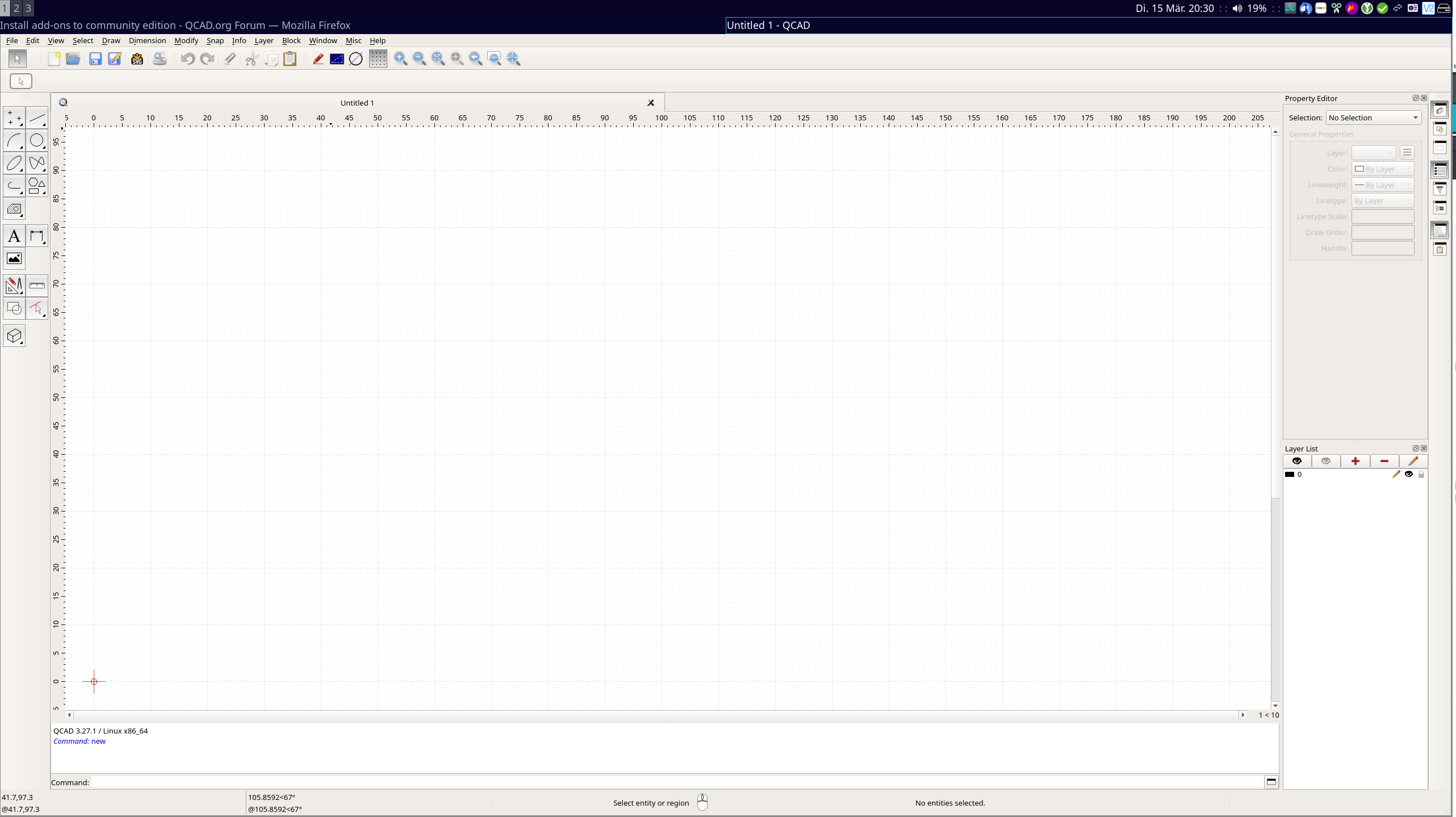
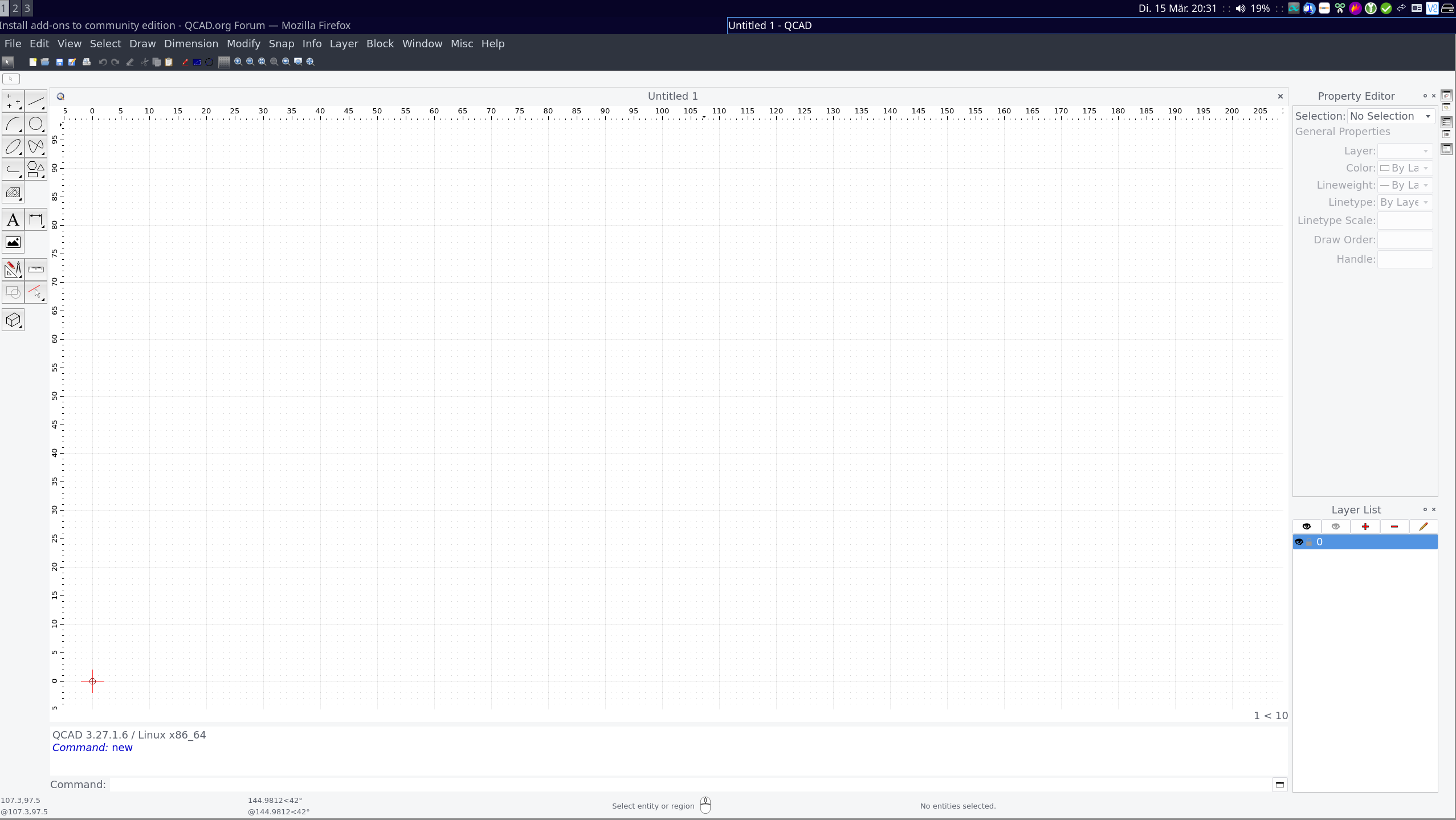
I’m running EndevourOS which is based on Arch Linux. Therefore It’s possible to download QCAD from the arch repository. Also, I bought the professional edition.
But installing the pro version on my Xfce desktop environment didn’t go well with theming. And the fonts are to small.
What I would like to know is, if it is possible to copy the plugins that are lying in my /user/name/opt folder to the app that I installed from the arch repository.
So this way I can have the pro features from QCAD on the arch repository app and the advantages of a repository …
It’s hard to tell how big / small that is as I don’t know your screen size. If it’s really small, Qt might not be able to detect your high-res display and you might want to adjust the user interface scale to 2 under: Edit > Application Preferences > General > User Interface > Scale factor
The menu font can also be adjusted separately under: Edit > Application Preferences > Widgets > Menu Bar > Font size
As for themes, your distribution likely comes with custom Qt libraries or Qt plugins. QCAD Professional is compiled to run across a wide range of Linux systems, I wouldn’t expect it to respect the theme of your distribution. You can try to remove the Qt libraries of your QCAD Professional installation to force QCAD to use the Qt libraries of your system. This might or might not work.