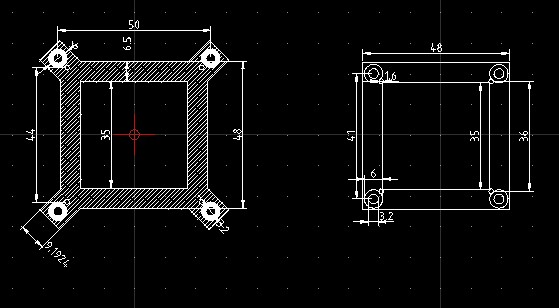
I want to overlap the two drawing,
I copy right drawing to paste left drawing but the center point can’t be aligned.
How can i do ? Please help, thanks~!!
Hi Husky:
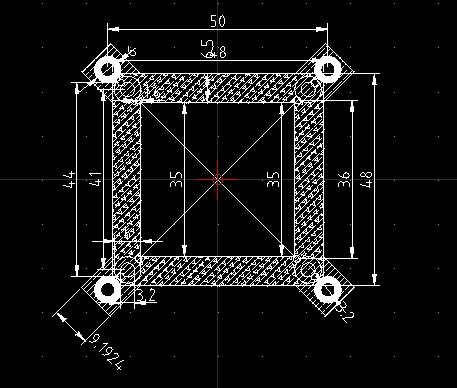
I attached the picture and I think I have may found a solution for this problem.
solve:
1.found right drawing’s center point.
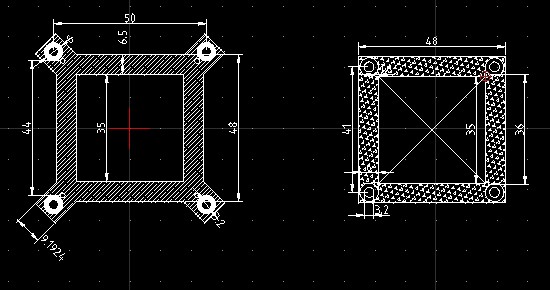
2.select right drawing.
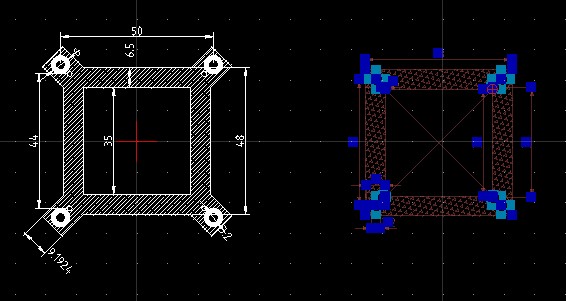
3.choose “Modify”–>“Move”
4. cursor move the center point and click the point, and you can move the drawing to any where
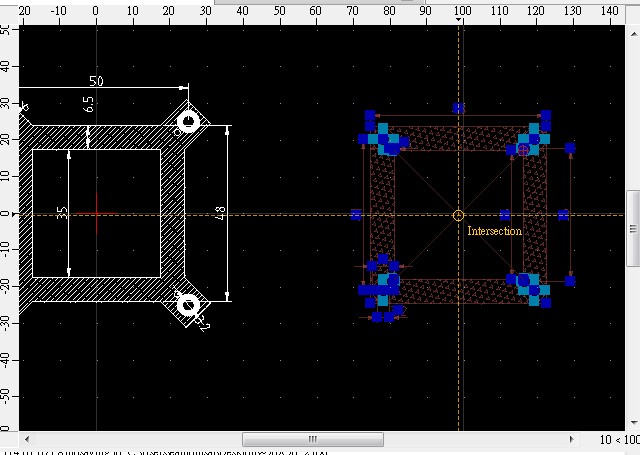
5.move to the left drawing’s center point
6.overlap two drawing.
Looks good! 
Maybe you like also to check out the Snap tool “Middle manual”. This tool will snap to the middle of two given points. 
DAm382CXBTg