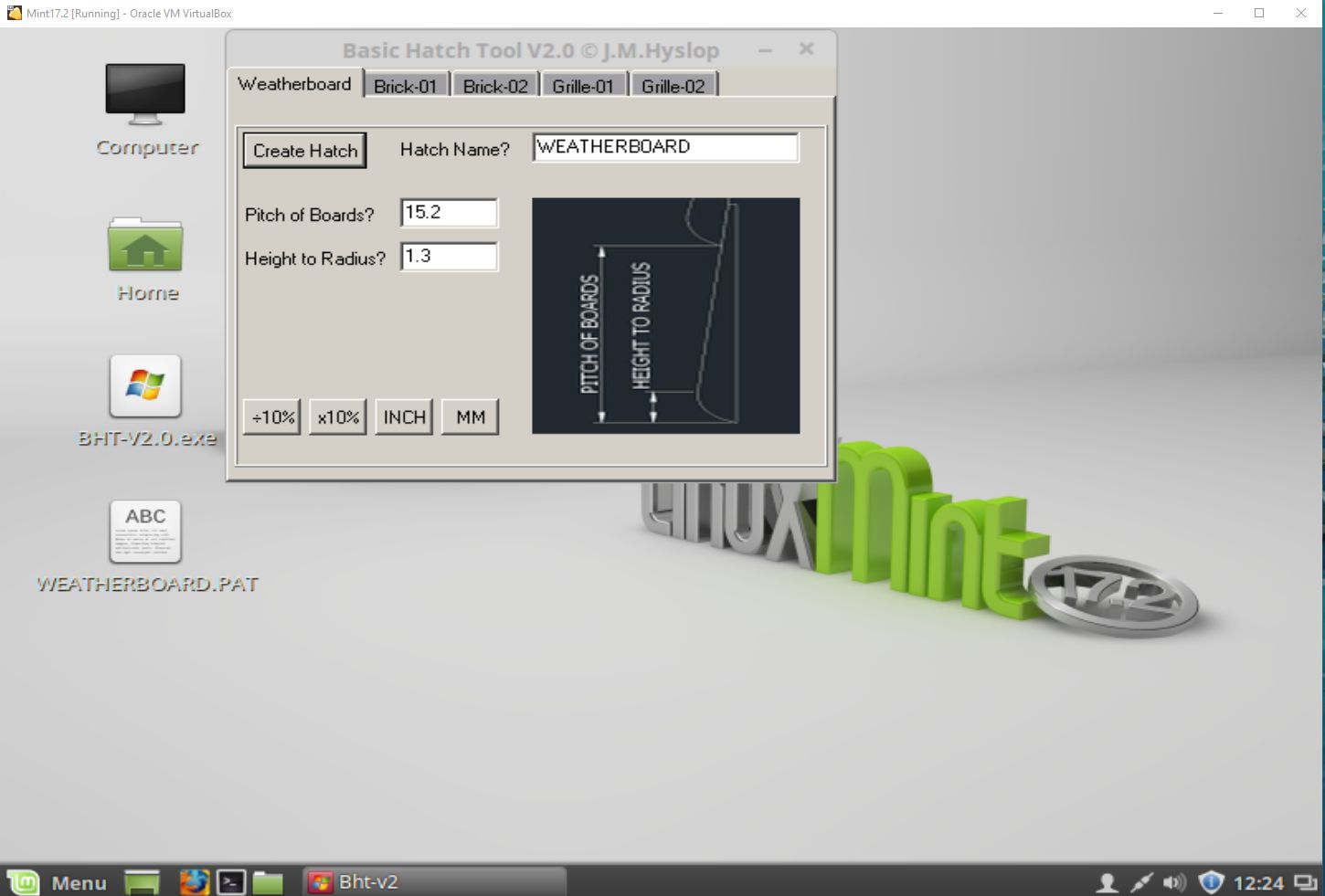
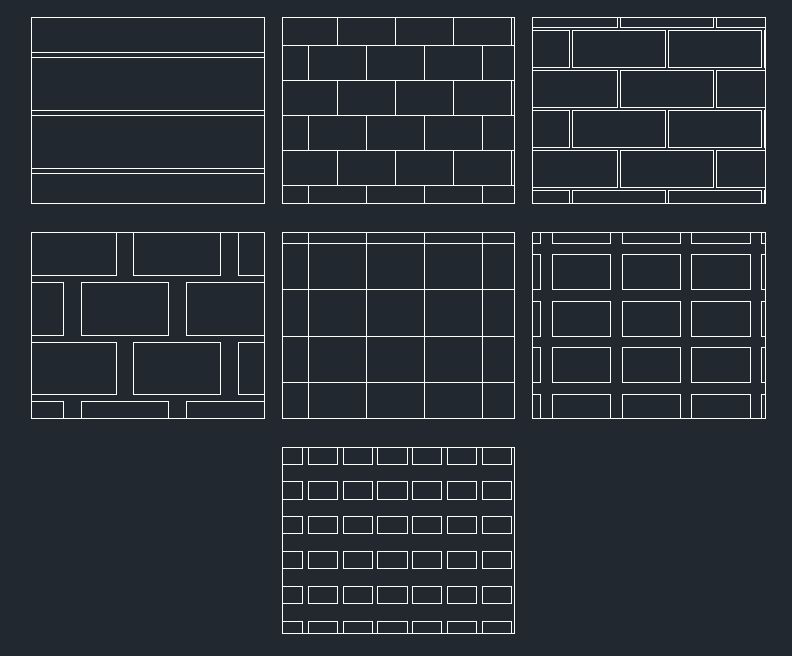
This is a full version “not crippled in any way” at the moment It has 5 patterns in it, my intention is to have a few tabs with basic instructions and easy to understand input with a diagram you can relate too..
Try and keep your patterns within 1inch x 1inch for imperial and 25mm x 25mm for metric
Things to do:-
Windows Version Runs In LINUX with WINE, very fast and stable..
see change log in zip file…Comments are welcome, new patterns will be added to next versions…
Just removed DEMO versions,they were downloaded 9 times.
Full Free Version 2.0 Downloaded 7 Times…
Enjoy
Cheers
John Hyslop
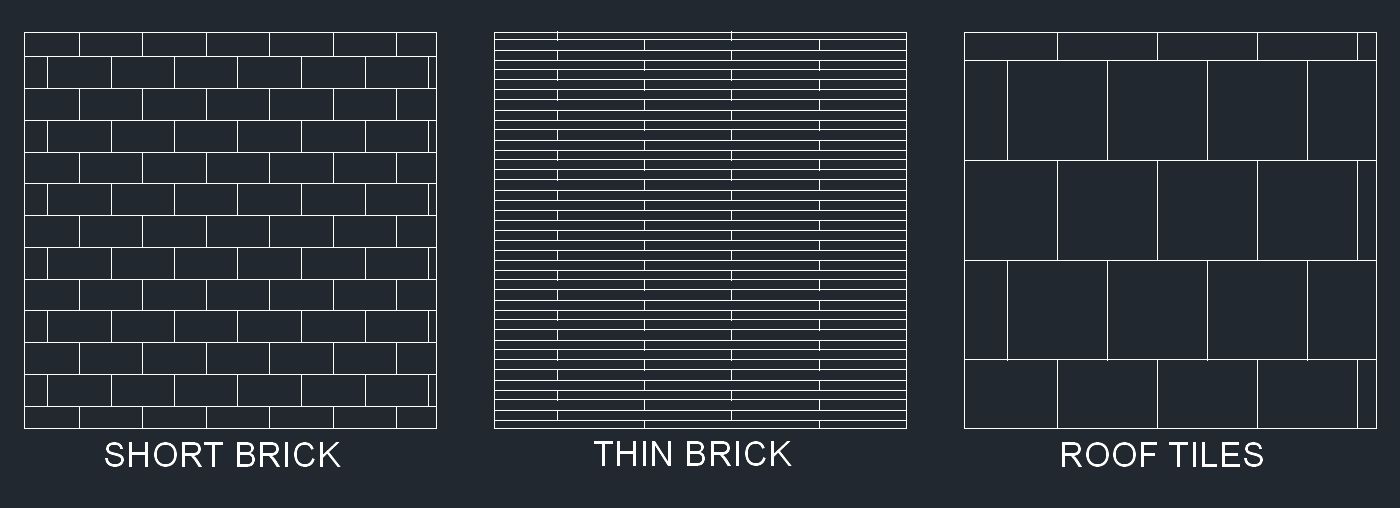
You’re not limited to bricks, you can use the Brick-01 Tool to make Roof Tiles too..
Screenshot of 3 variants using “BHT-DEMO-V1.02”
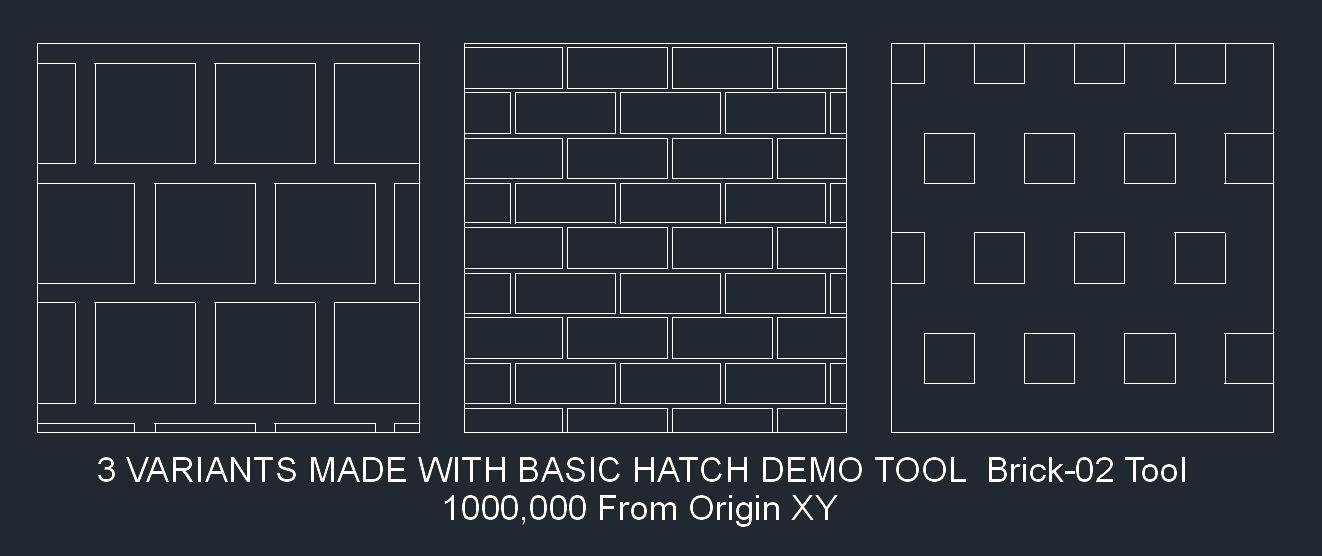
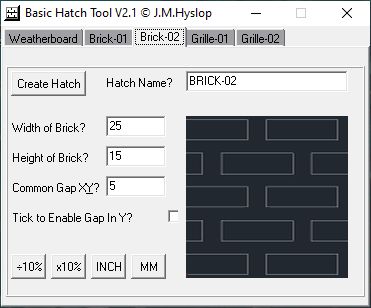
Brick-02 Tool 3 variants using “BHT-DEMO-V1.04” PS Updates Available LOOK FURTHER DOWN
Here’s a New Version of Basic Hatch Tool Available BHT-V2.2
For Community & Professional Versions of QCAD
See Change-Log.txt & BHT-Usage.txt for Details..
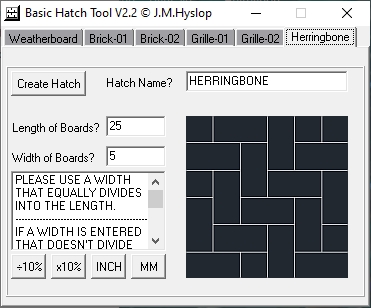
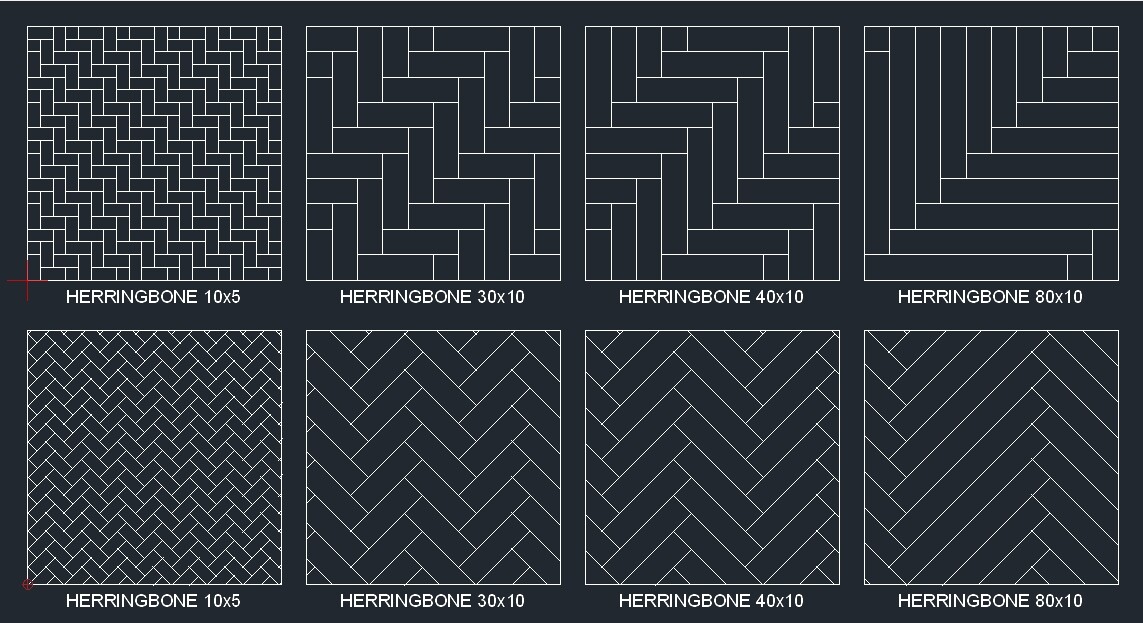
Added Herringbone Hatch Pattern Limited to Ratios for the Moment,
This Generally Covers Most Commercial
Plank Sizes Most Use 1:2 , 1:3 , 1:4 , etc
I’m Not Saying That You Can’t Have Odd Lengths and Widths
I’m Just Merely Saying That The Math’s Involved in Calculating
Offsets 1000’s of Units From The Datum Gets Quite Complicated
And This Being a Basic Program as the Title States, at This Point
In Time I’m Releasing it as is, Future Releases May Include This
If a Width is Entered That Doesn’t Divide Equally Into The Length The
Program Will Select The Closest Width When Saving, No Changes Will be Made to The Length…
Runs on Windows 32 & 64bit PC’s [ Windows 2000 - Windows 10 ]
Runs on Linux 32 & 64bit PC’s [ Tested on Mint Linux ] Needs WINE to Run
Enjoy
Cheers
John Hyslop PS Updates Available LOOK FURTHER DOWN Downloaded 5 Times.bmp (284 KB)
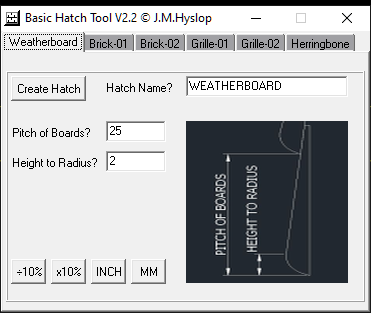
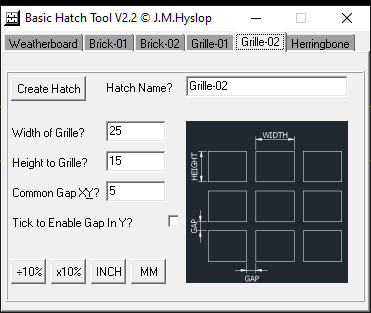
Question: I was going to test your Basic Hatch Tool on a Win10/64 with a 1920x1080 resolution monitor. Unfortunately it is a bit difficult to recognize the example drawings with the annotations. Do I have any possibility’s to enlarge the tool window?
Hi Husky
I added the drawings as a visual reference..
I will have a go at making them a bit clearer..
To change the width of the actual application would require me to reprogram… The text seems quite clear though…lets see what happens when i redo to images… I made it compact so it wouldn’t take up too much screen..
I’ll try tomorrow , night time here… I’ll send via PM
with update In case it doesn’t work…
Thanks for testing …
Cheers
John
PS That’s the same resolution I’m using…
It is a bit fuzzy now i look at it without my glasses lol… I’ll make the images larger/zoomed in.. If you think that would help?
Yes I know and I think that is a good idea …
To my knowledge often are svg used to represent icons etc.. As you know - svg’s are tolerant to size changes …
Except the visual references the rest of the GUI is Ok in my opinion.
Normally I work without glasses on my Monitor. Your program forced me to wear glasses AND use a magnifier what made me thinking: Something is different here …
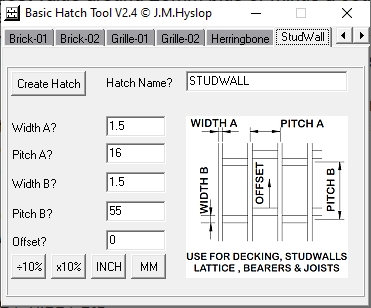
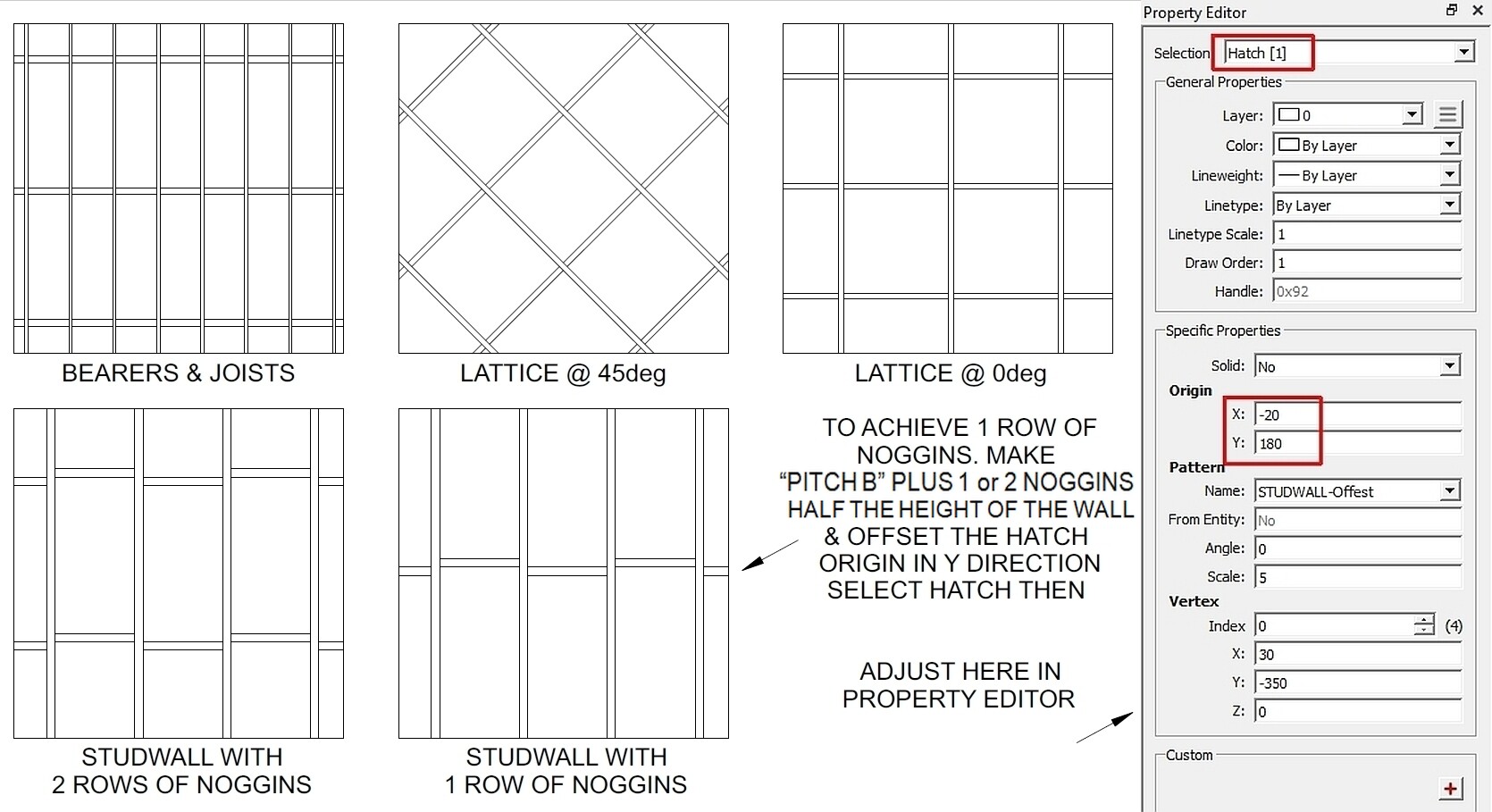
Well 1st of all many thanks to Husky for suggesting the new StudWall Tab New Version BHT-V2.4.1 BHT-V2.4 Has been Dowloaded 11 Times I’ve Now Included a PDF
Tutorial on Using The StudWall Tool Now in the zip file and also separately
for those who have already downloaded the Tool, PDF 2 Posts Down PS Updates Available LOOK FURTHER DOWN
I also adjusted the X & Y Origins to make it fit better in the square box, if the hatch touches the edges of the hatch area you can dimension it to find out how much to move it if required, you can also use keyboard hotkeys IP (Menu> info > distance point to point)
Please Read the BTH-Usage.txt file supplied with Zip, It contains important information about
using the Tool..
Enjoy
Just Updated V2.4 to V2.4.1 Added Message “Incorrect Offset Entered” in StudWall Tab
You can continue to save but it will be incorrect, Just select NO on save and fix incorrect input..
The next version will not give you the option to save if you enter a negative value but
I need to create a subroutine for this on all patterns so I’ll fix on next release
Cheers
John Hyslop
PS Just corrected name of PDF file to Studwall instead of SudWall Oops
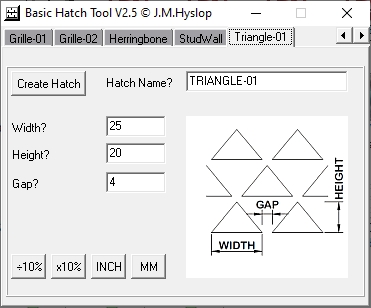
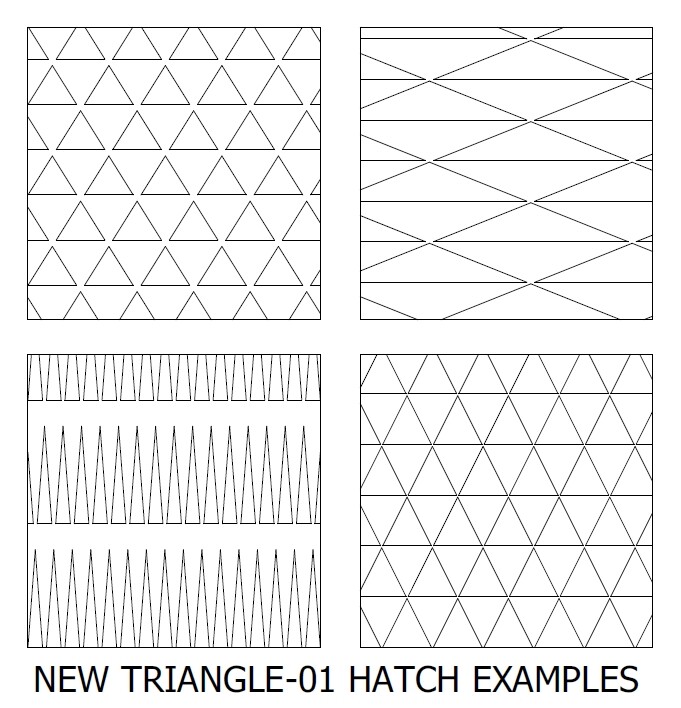
Version 2.5 Available with new Triangle-01 Hatch Pattern
That’s a Total of 8 Configurable Hatch Patterns
See examples below:-
And It Holds Reasonable Tolerance at 1 million Units from Datum e_surprised
Enjoy
Cheers
John PS Update Available Look Further Down
V2.5 Downloaded 3 times..
Hi All
Tip 1
You can use the arrow keys on the keyboard to move across tabs at top of the program or if you like you can use the scroll arrows top right.
I prefer to use the arrow keys, I have a bad habit of hitting the X top right and closing the program.
Tip 2
Don’t just except the default Hatch Pattern Names, use something meaningful so you know what it is when you browse through your hatch patterns later, for an example we’ll use Brick-01
If you make a brick 200x100 call the pattern something like BRK200x100.Never manually rename your patterns after creating as this will break them,the program “as in the case above” would add the 1st line to the pattern like this.
*BRK200x100,Pattern Description..
If you want to manually change your pattern name make sure you update this 1st line too, you can do this with any text editor eg notepad..
Just thought I would share this info with you all..
Cheers
John Hyslop
PS Don’t use spaces in your hatch names
A small update to allow zero as a gap, if triangles are exploded
it will leave straight lines not multiple lines..previous version did not
allow gaps of anything less than 0.00001 units
More patterns on the way I have a few Ideas…
Cheers
John
Version 2.5.1 Downloaded 4 times.. NEW VERSION BELOW ENJOY
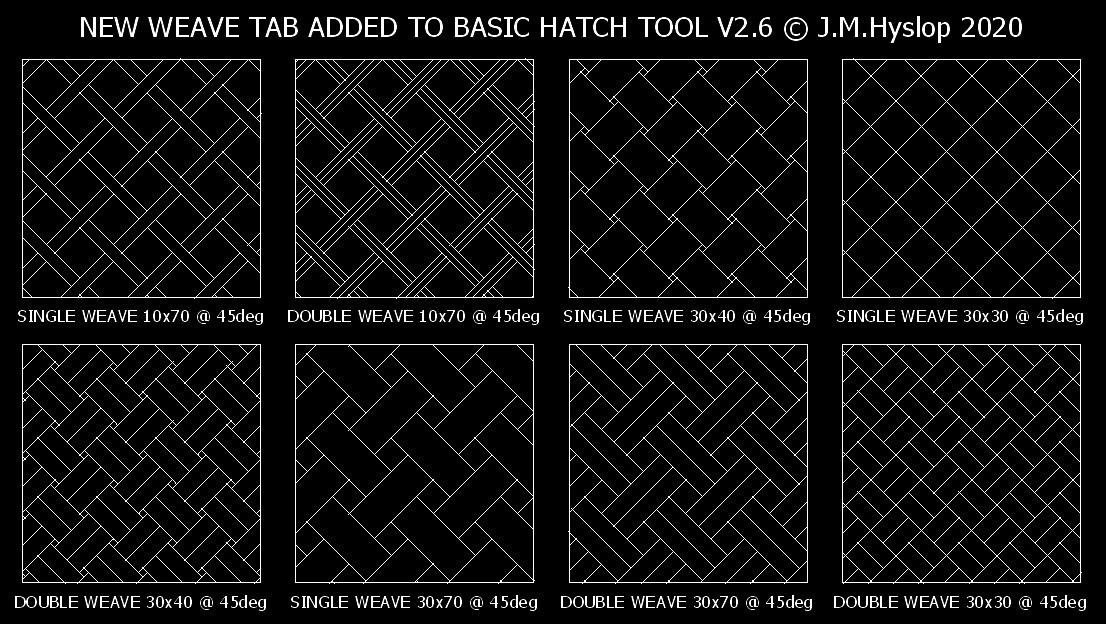
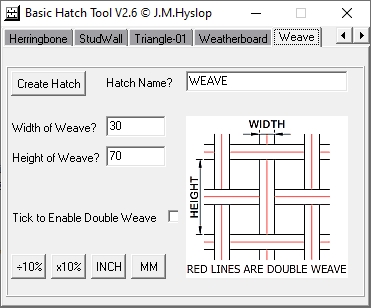
Well I’ve been busy today with a new pattern, it’s called Weave… it can be used for many things including paving if you set both
height & width the same and tick “Enable Double Weave”
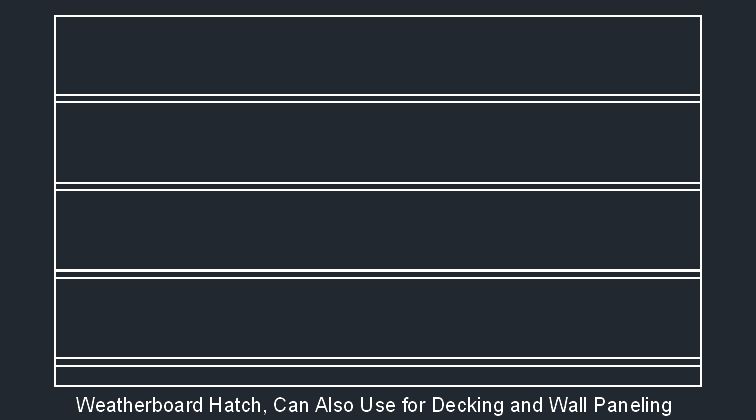
All the Tabs along the top are now sorted Alphabetically just to make it easier to find them Weatherboard was at the front for too long lol..
Also you can use the arrow keys to quickly scroll through the patterns.. see screenshots below of some possibilities with the weave pattern..
9 Adjustable Patterns Now & More to be Added in Future Versions
BHT-V2.6 was Downloaded 7 Times
BHT-V2.6.1 was Downloaded 3 Times
V2.6.1
Added 34 character limit to file name
for compatibility with AutoCad
Even though QCAD does not have these limitations e_surprised
Version BHT-V2.6.2 Now Available to download,
The Program No Longer Exits if There is
Incorrect Input
I’ve Changed the Message on Last Line
From “The Program Will Now Exit.”
To “Please Correct This Issue”
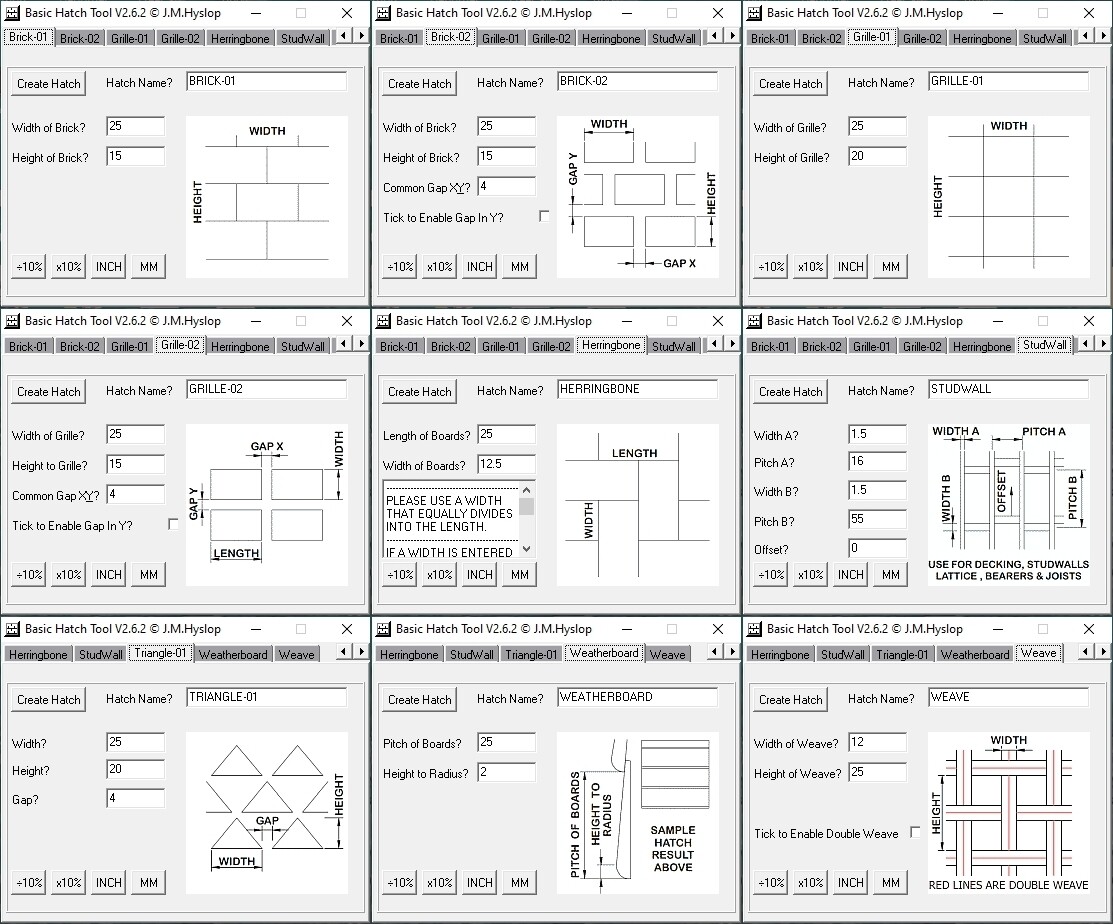
Screenshots of the 9 Adjustable Patterns Below
More to Come…
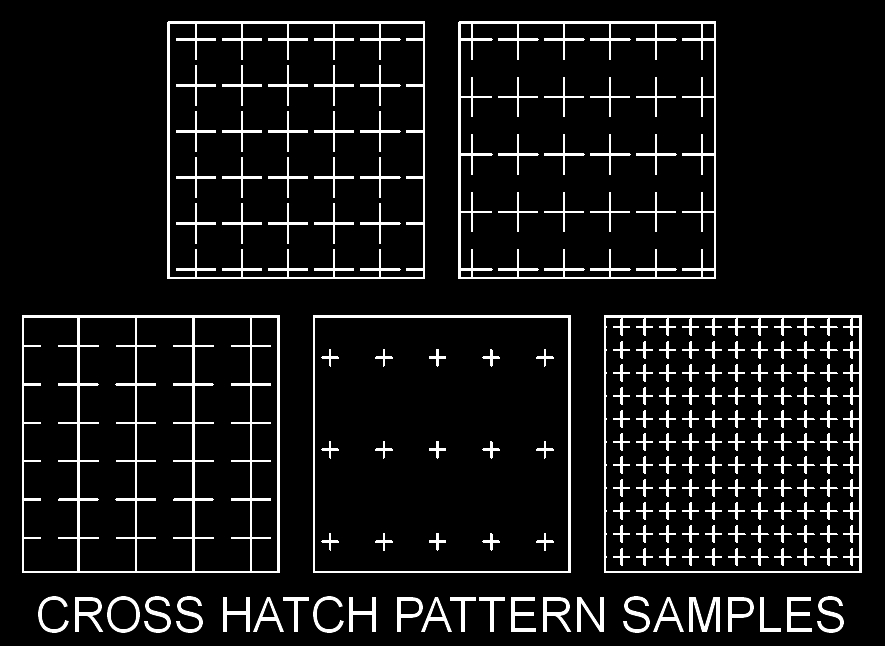
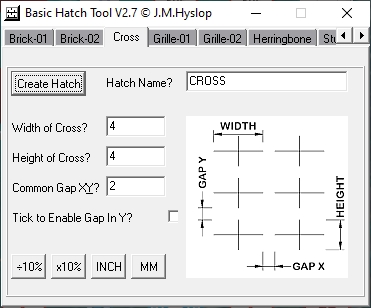
Freeware Basic Hatch Pattern Tool New Pattern Added
Runs in Windows XP to 10 / Tested on Linux Mint [ Wine ]
Runs on 32 & 64bit PC’s
Downloads:-
Version 2.0 Downloaded 7 Times
Version 2.1 Downloaded 68 Times
Version 2.2 Downloaded 5 Times
Version 2.3 Downloaded 9 Times
Version 2.4.1 Downloaded 13 Times
Version 2.5 Downloaded 3 Times
Version 2.5.1 Downloaded 4 Times
Version 2.6 Downloaded 7 Times
Version 2.6.1 Downloaded 3 Times
Version 2.6.2 Downloaded 15 Times
Version 2.7 Downloaded 13 Times
Hi All
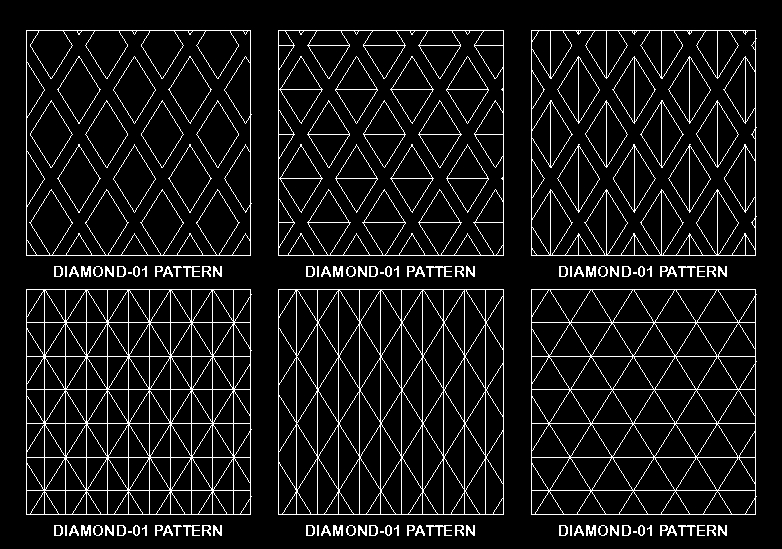
New Pattern Added Diamond-01 & Updates to Triangle-01
11 Adjustable Patterns to Date
Downloads:-
Version 2.0 Downloaded 7 Times
Version 2.1 Downloaded 68 Times
Version 2.2 Downloaded 5 Times
Version 2.3 Downloaded 9 Times
Version 2.4.1 Downloaded 13 Times
Version 2.5 Downloaded 3 Times
Version 2.5.1 Downloaded 4 Times
Version 2.6 Downloaded 7 Times
Version 2.6.1 Downloaded 3 Times
Version 2.6.2 Downloaded 15 Times
Version 2.7 Downloaded 13 Times
Version 2.8 Downloaded 19 Times New Version Uploaded 2.9 Further Down






 Oops
Oops