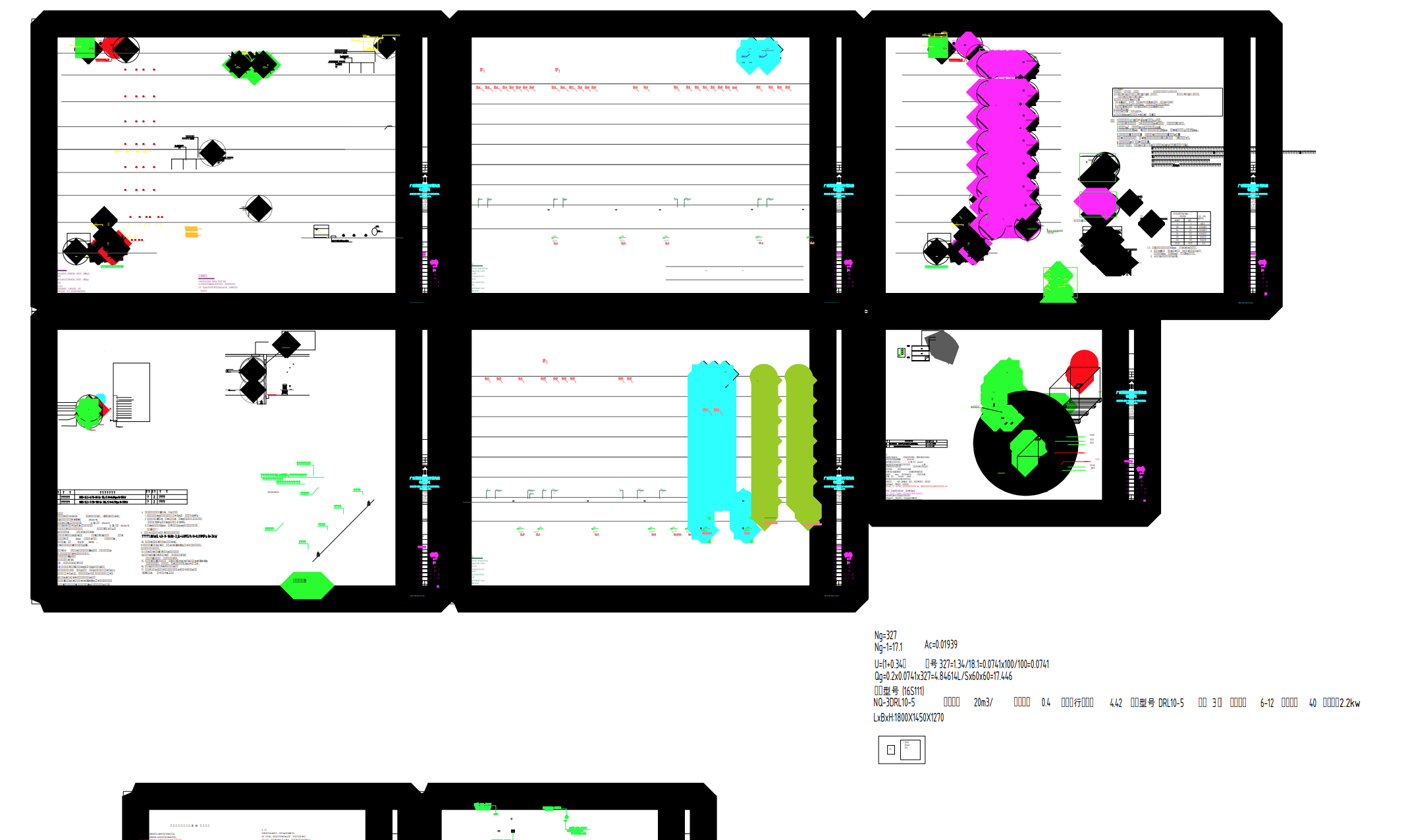
Version:3.27 professional, OS:Windows
I’m using dwg2pdf to convert formats, but most of the chinese charactors are missing, how can I batch replace all the unknown fonts with a specific font?
Most of the files have dozens of fonts, I can’t replace them one by one on command line.
Thanks,I know this way, but I don’t know what fonts of the file the users upload, I have to extract all the fonts by command first(maybe 10~100 different unknown fonts), it has more trouble, can I simplely use wildcard(or other way if it has) to repalce all the fonts with one?
Remark that there is a polyline in your example file that isn’t rendered correctly by QCAD.
Handle 0x2a316a
Two 180° degree arc segments, Global Width 28.901376, Global Z -7999.999
It is rendered as a solid filled circle with a diameter of about 1600 units (Drawing units = None).
This is a reported issue, flatten to 2D will correct this.
AutoSave or Save (-As) will report:
Exception occurred. Entity NOT saved: 2b924d
Exception occurred. Entity NOT saved: 2b9250
3D polyline with arc segments flattened to 2D.
3D polyline with arc segments flattened to 2D.
The last two messages are not concerning the 0x2a316a entity what will remain as it is.
In this case there are 16 different fonts used.
I think that this is still possible within the 8191 character limitation.
Automated I would replace fonts one by one.
Please note: We’ve sent you an e-mail and private forum message regarding your QCAD Professional license. Please reply to the e-mail or private message at your earliest convenience, thanks.