Any more feedback from QCAD users for this topic -its always good to hear what QCAD is being used for  .
.
I’ve spent the last week and a bit on making the change to Qcad3-cam and its done, well a little bit of practical testing to go. I did a little C++ years ago and its come in handy. Boland C++ is long gone!
Z variable setting to layer name as well as feedrate, rapid and G41-42 offset. It works on CNClinux so variables seem to be #10 upwards. I use a capital letter in the layer name to set it along with a value(# and Z). A ‘R’ in the name turns a line into a Rapid and if no G41-42 is in then a G40 appears to send it back to center .
So Qcad has been used to test my programming skills.
srl
Excellent feed back, it just goes to prove that things we learn never go unwasted  . I’m sure you will have good things in mind for QCAD/CAM. Please feel free to share any good tips, projects or indeed scripts here on the forum .
I am making a cloud application that creates drawings automatically from user data. I have built a php engine that produces dxf files but cannot find anybody with enough dxf knowledge to make the files viable. I was very please to find QCAD because it seems to be the solution that will bring my application to life. It looks very powerful and programmable.
Calling all QCAD users … any more for this topic, it’s refreshing and inspiring to know what people around the world are using QCAD for.
Hi Clive,
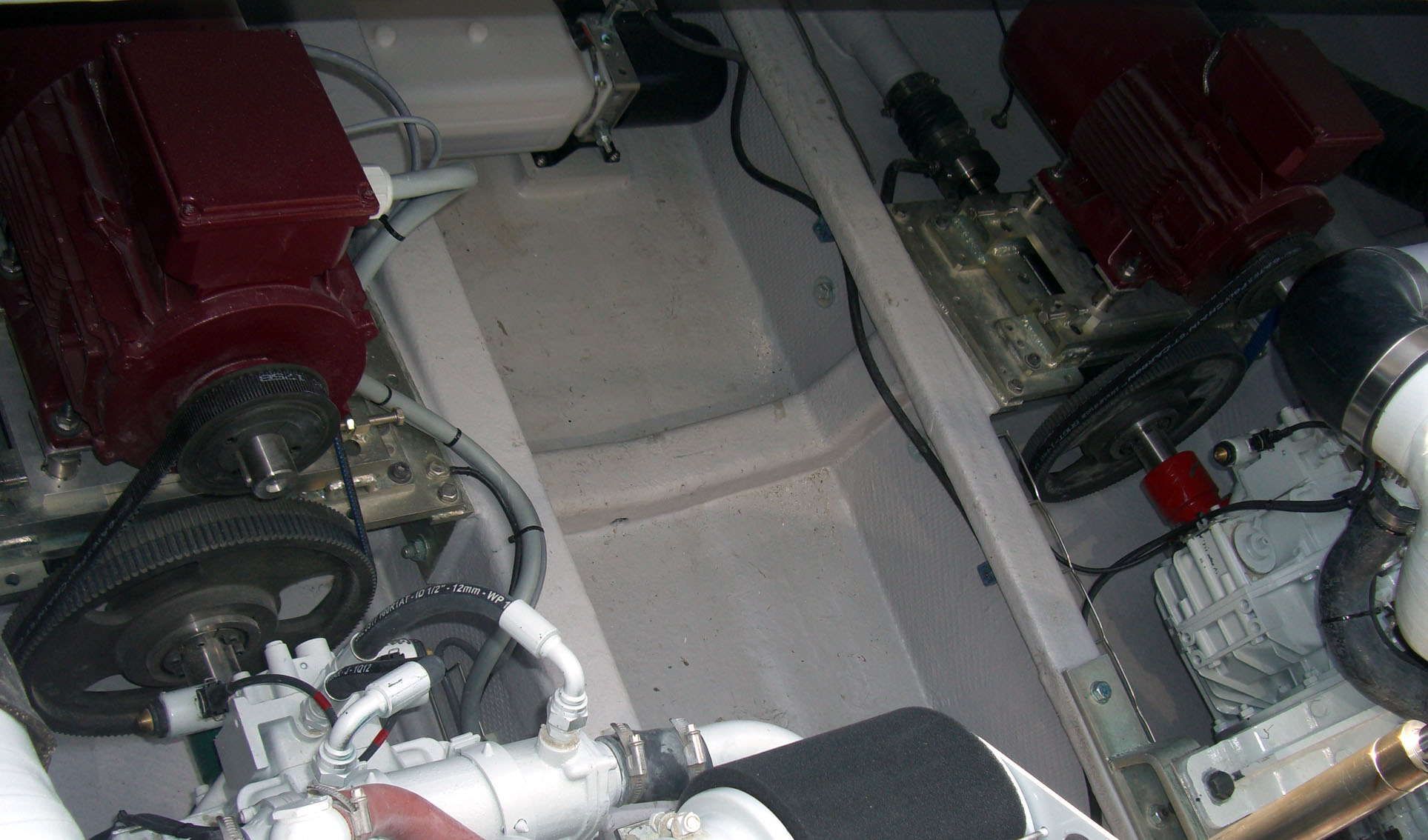
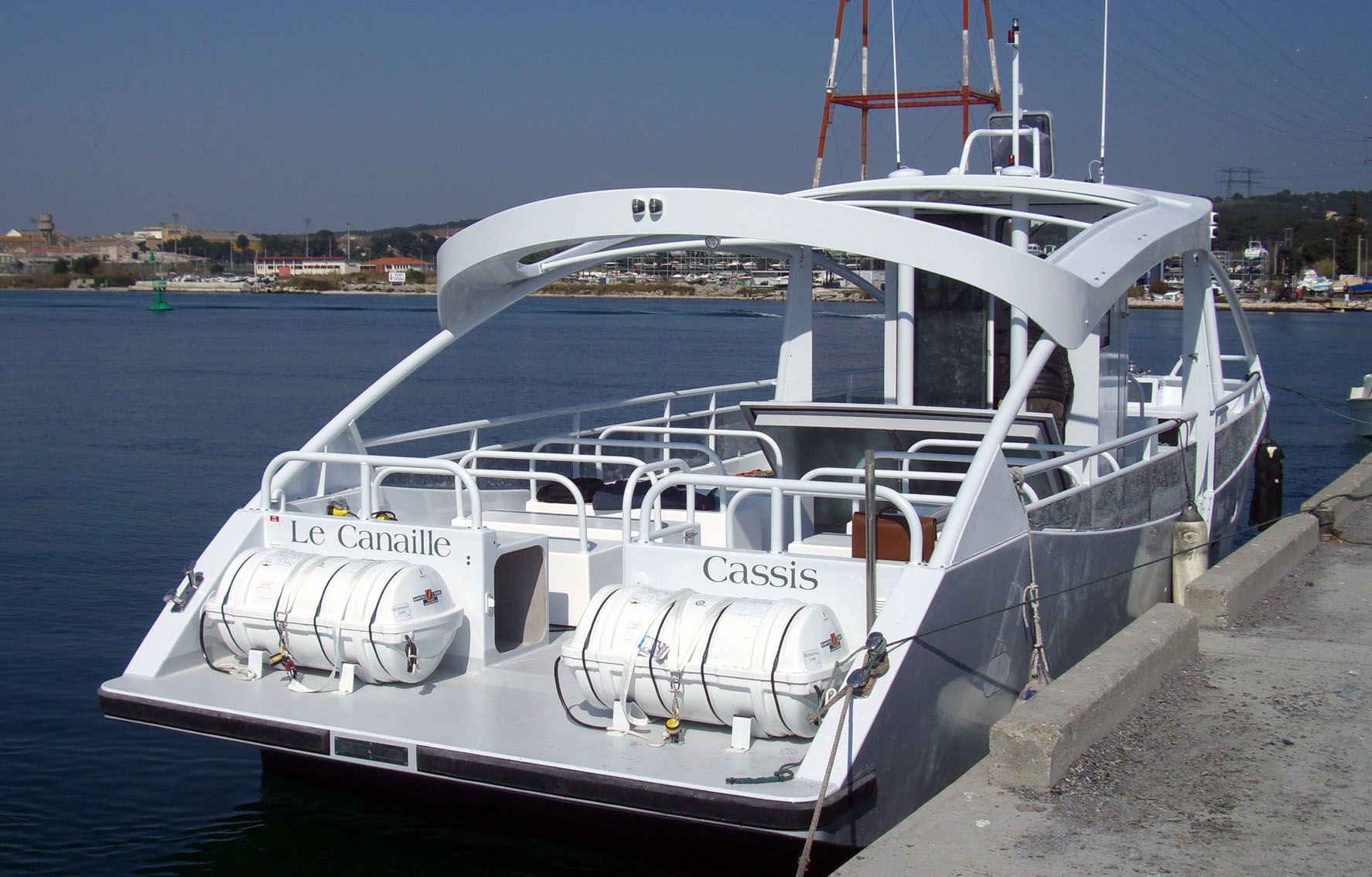
For info, we are launching the second hybrid boat on Thursday, only 12m, 2x 12 kW electric and 2x 90 kw diesel. Electric set-up done on QCAD. 
Hi J-J
Good luck with the launch, maybe you could post some photo’s again.
News on the second hybrid passenger boat: Launched and left the berth on electric power. Max speed close to 7 kts under two 12 kW motors.
Enjoy the pictures.
Hey J-J, thanks, that really is something. I could see myself sitting in one of those chairs on deck, ready for a light cruise .
I am using QCAD mostly to create floorplans vis-a-vis the electrical bits (wiring and the like) of a building. Not too long ago, when a friend moved in a new rent, we have used QCAD very extensively to plan the space for furniture and things (that is, she commandeered and I did the eye-rolling bit). It was invaluable help, probably saving her a lot of frustration and me a lot of extra work.
There’s always the little mechanical design things too, and sometimes just the general goofing around, just for fun and trying things out - you never know when will it come handy .
Pro version here.
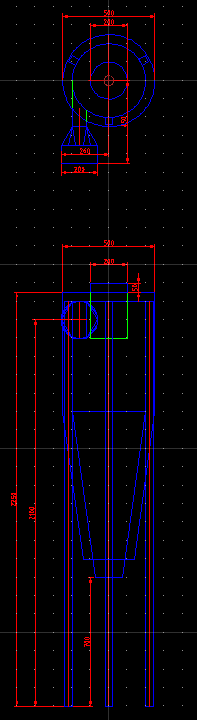
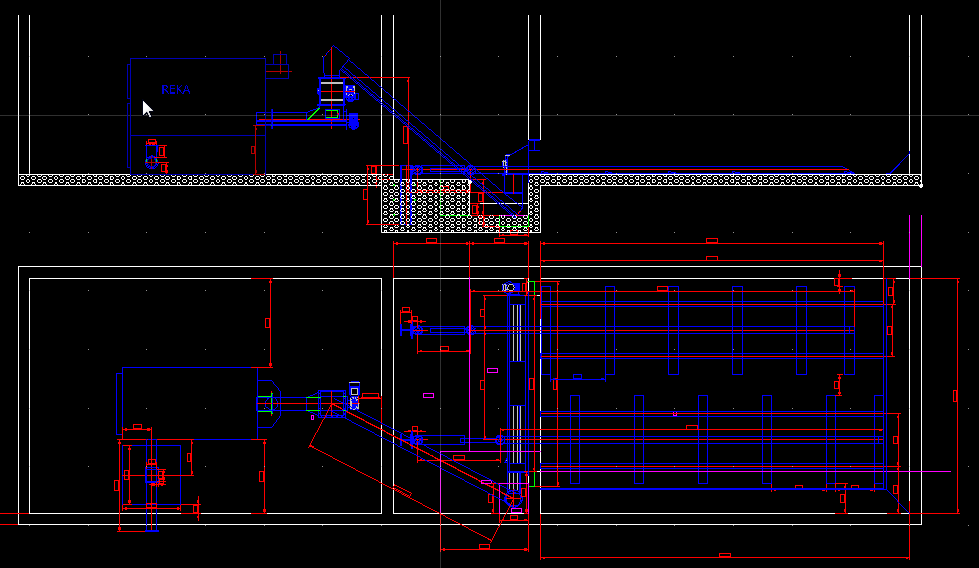
Using i primarily for plant installation drawings and also for cleaning up dxf files for cutting with laser or plasma cutters.
Also great for prototyping before going 3D.
We also have Autocad, but I rarely use it, it has become too bloated for a 2D Cad tool IMO.
Hi there,
in the meantime I now use QCad Pro also for model railroad track planning and there wrote some scripts (with help of Andrew, thank you). See
for the current work-in-progress state.
Märklin H0 C-track example:
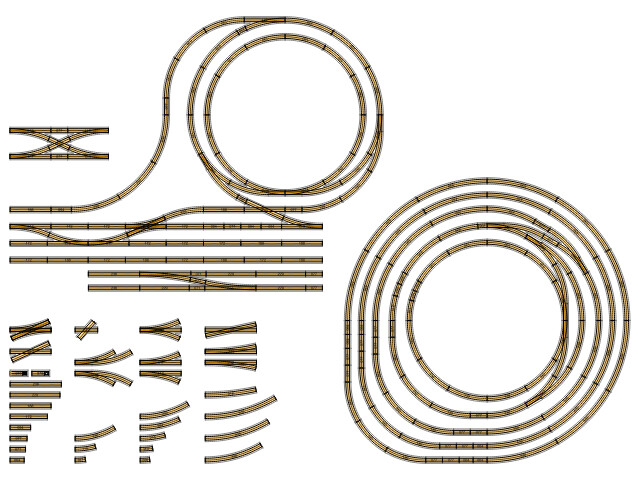
I use QCAD to draw 2D architectural plans, mainly houses and flats in north east spanish coast.
I’m also starting learning Blender for 3D models and rendering.
I’m thinking a lot about developing my own and local “BIM” system. I’ld like to create building components databases and work with this data in my building conception and design. Then I would use QCAD to plot dxf plans according to this data and also to make drafts and corrections. But maybe that’s a lot of work.
Now QCAD is great as a 2D drawing application for me!
Hi David, good to hear what you are using QCAD for, thank you for sharing and best wishes for your work ahead.
Regards
Clive
I am using QCAD Pro mostly for anything I used to sketch on a paper before.
Floorplans, sideviews, electrical line drawings…
It’s fast, it’s easy, it’s intuitive and the sketch is correctable and can grow to a final state.
Beside that I love to (ab-)use it to verify algabraic and trigonometric functions. Open, testout, trash.
I did not yet tried out the isometric capabilities. What is not, can become.
Beside that I use it the last three years as 2.5D dxf input for my router/engaver driver.
A flatbed engraver is as a router with a low Z, as this is a trade off between height and stability.
The driver software has a quite good CAM function but is pretty stubborn on the dxf input regarding self intersecting lines or null lines and so on…
QCAD’s output is mostly correct or there are functions to correct it or they can be made. Editing manualy any dxf of various origin is straightforward.
Many thanks to Andrew to swiftly correct bugs.
Especially with fonts and exploding these and for the CXF font standard I use as single stroke fonts.
I’ve allready constucted some CXF fonts from Gravograph fonts. (Sorry, can’t share them because of the copyrights).
I am awaiting the CAM part to exits its puberty.
Spiral pockets is one of the major hurdles because engraving points are conical and are far more demanding of the paths then mills.
Recently I am attacking the flaws that QCAD has with curved lines and scaling.
Again for the engraving use.
Kind regards


I think the same linnemann. Since I got used to QCAD I don’t want to go back to any other 2d cad software!
Great to hear that, thank you.
It’s really good to read about what other people are using QCAD for these days.
What do you use QCAD for - any more interesting projects out there?
Hi,
I’ve installed QCAD because Draftsite now wants hundreds of dollars from me (each and every year) to use their product. I tried LibreCAD but it’s just not Autodesk-y enough for me.
My ambition is to use QCAD for residential design, construction drawings and permit applications.
I do various projects using a waterjet.