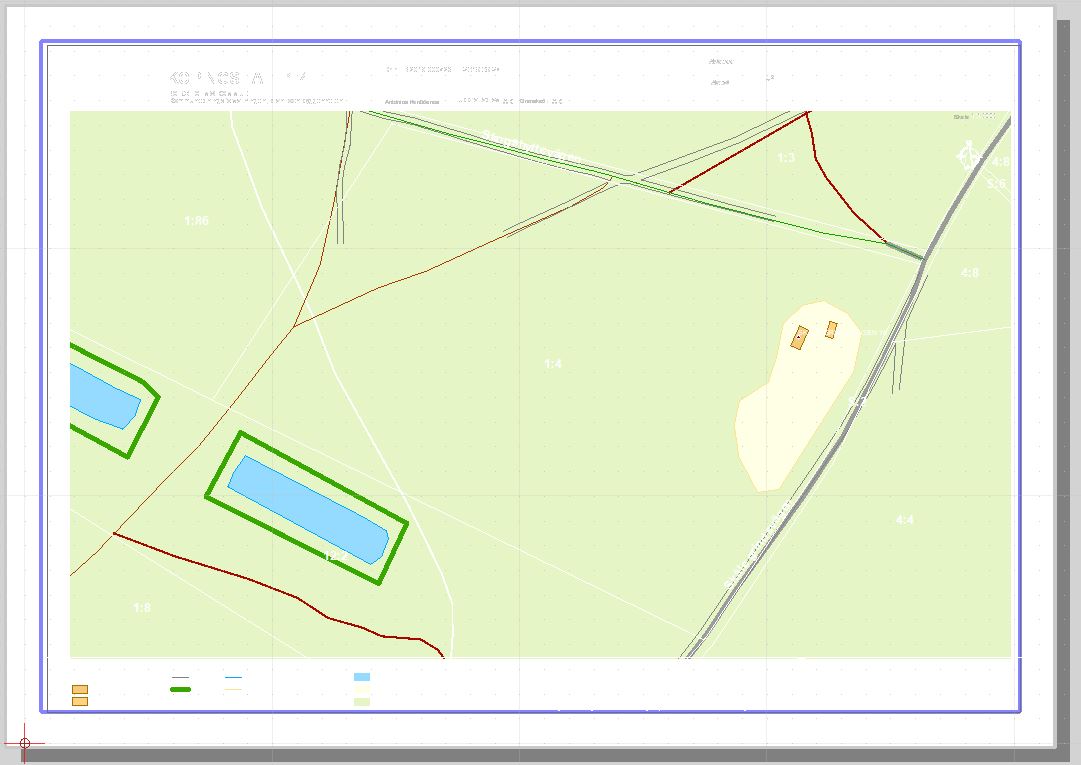
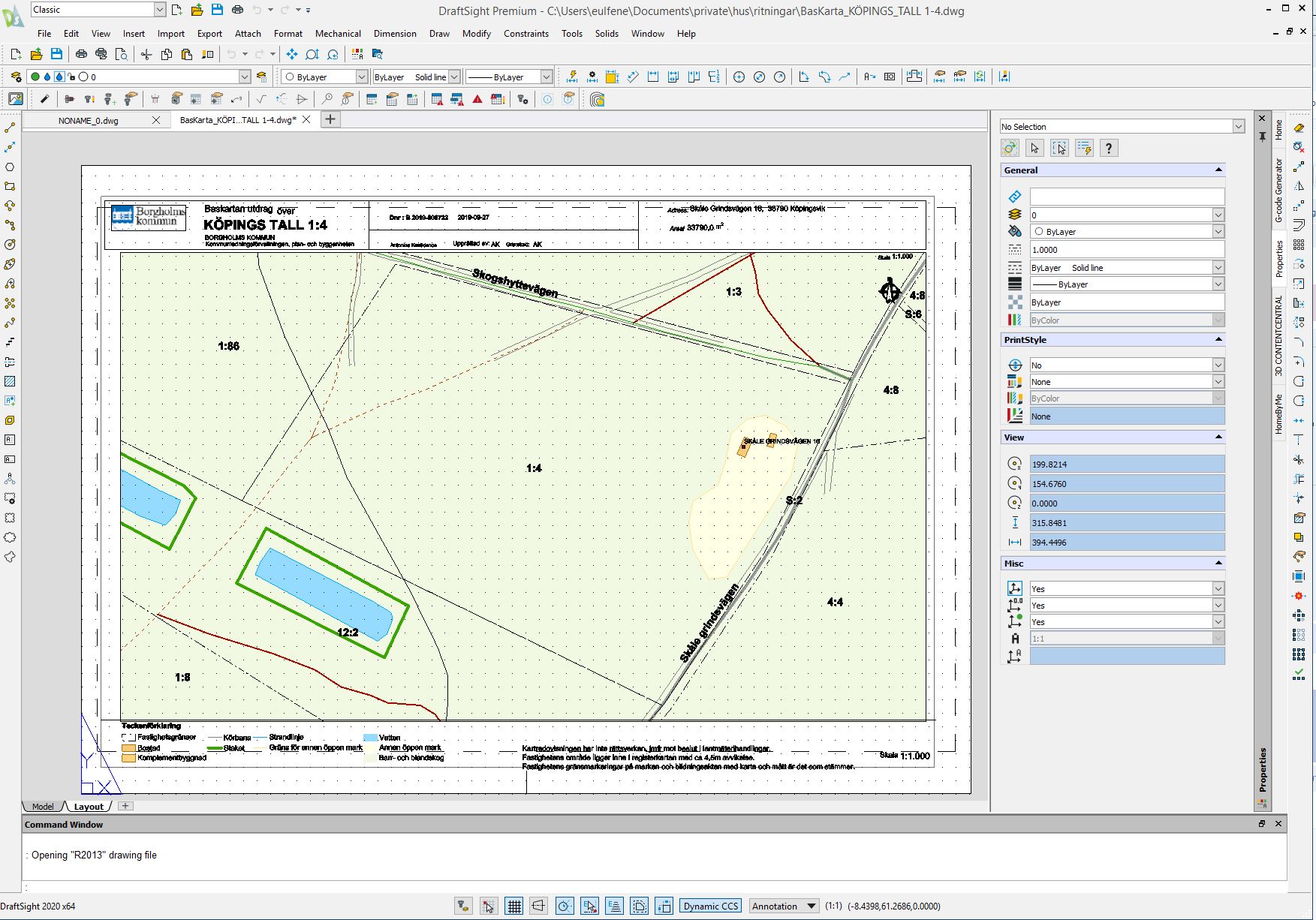
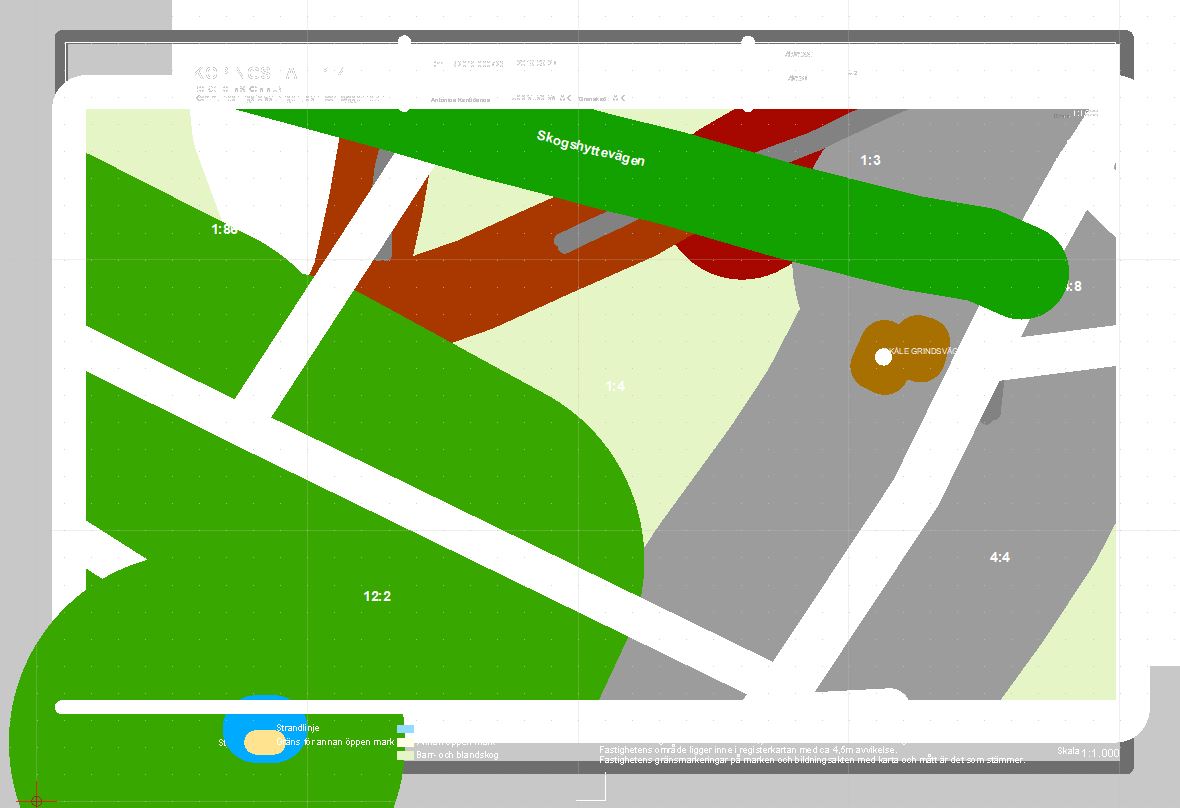
I have a problem importing a DWG file to QCAD. The file opens but there are information missing like header, frame etc. I have compared to another CAD program where the import works fine. See attachments.
When I open file in other program is says "Opening “R2013” drawing file. Not sure what “R2013” mean?
I managed somehow to export to pdf successfully on 3.25.0 rev 0fd19c1 from aug20 2020. Now after installing 3.25.0 rev 4a61501 from sep4 2020 I have the following issues:
When I click "Layout (“paper space”) then it seems QCAD goes into print preview mode and some strange drawing is displayed. See attachment. After closing preview mode the drawing looks better.
Well as it was, the drawing is 393.428m by 269.767m
But there is some text outside that.
Your paper is A4 portrait.
Select ‘Landscape’
Select ‘Auto fit drawing to page(s)’
You get scale 0.000454
With a scale of 0.0007 the drawing would fit on one page.
The scales mentioned on the drawing won’t confirm.
When you did set your paper to m (huge paper one can see).
But that won’t work out, so probably a bad hint in this case. my bad.
In an other case the paper was so tiny that it would not show on a A4, so …
Set the unit back to mm
Set the drawing to A4 (mm)
Repeat the above.
I opened your .pdf and it looks great. Exactly what I expect. However when I open the dwg file it looks like attachment. A lot of text and lines in header is not displayed, white instead of black color etc. Any idea?
Logically the paper_space for this drawing is originally chosen to fit on an A3 landscape format.
The scale 1:1000 mentioned on the drawing will consequently match 100% that format …
Text color is set to white. Background color is set to white too … what do you expect to see?
Anyway - QCAD can take care of it …
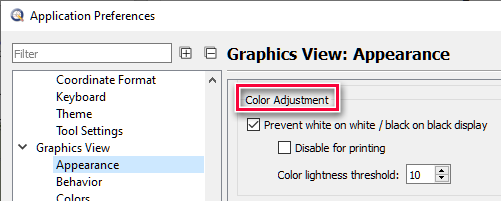
What happens here: Most likely your Application Preferences are set below Graphics View / Appearance / Color Adjustment “Prevent white on white / black on black display”.
That works in your favor in Model_Space but not in Print Preview if the option “Disable for printing” is also ticked.
Go ahead and deactivate that “Disable for printing” option to see if that would work better for your situation …
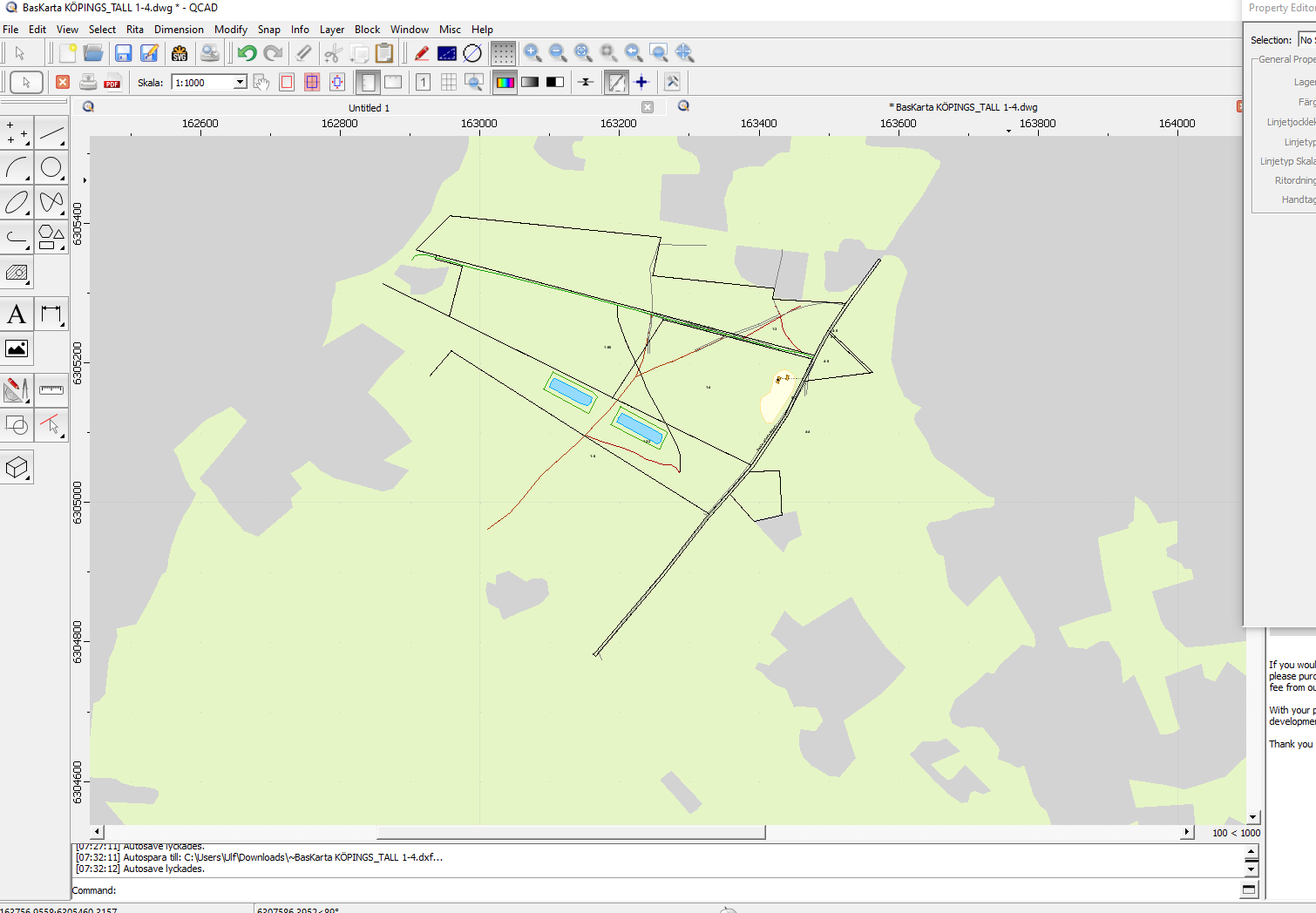
 my bad.