MY OLD VERSION OF QCAD PROFESSIONAL STARTED CRASHING ON FILE SAVE
I HAVE PURCHASED AND DOWNLOADED A NEW VERSION OF QCAP PRO AND INSTALLED IT AND STILL CRASHES ON FILE SAVE OR SAVE AS.
64 BIT SYSTEM ON MSI INSTALL
HAVE BEEN USING THE SYSTEM FOR 4 YEARS NOW WITH NO ISSUES
PLEASE ADVISE OF ANYTHING I CAN DO
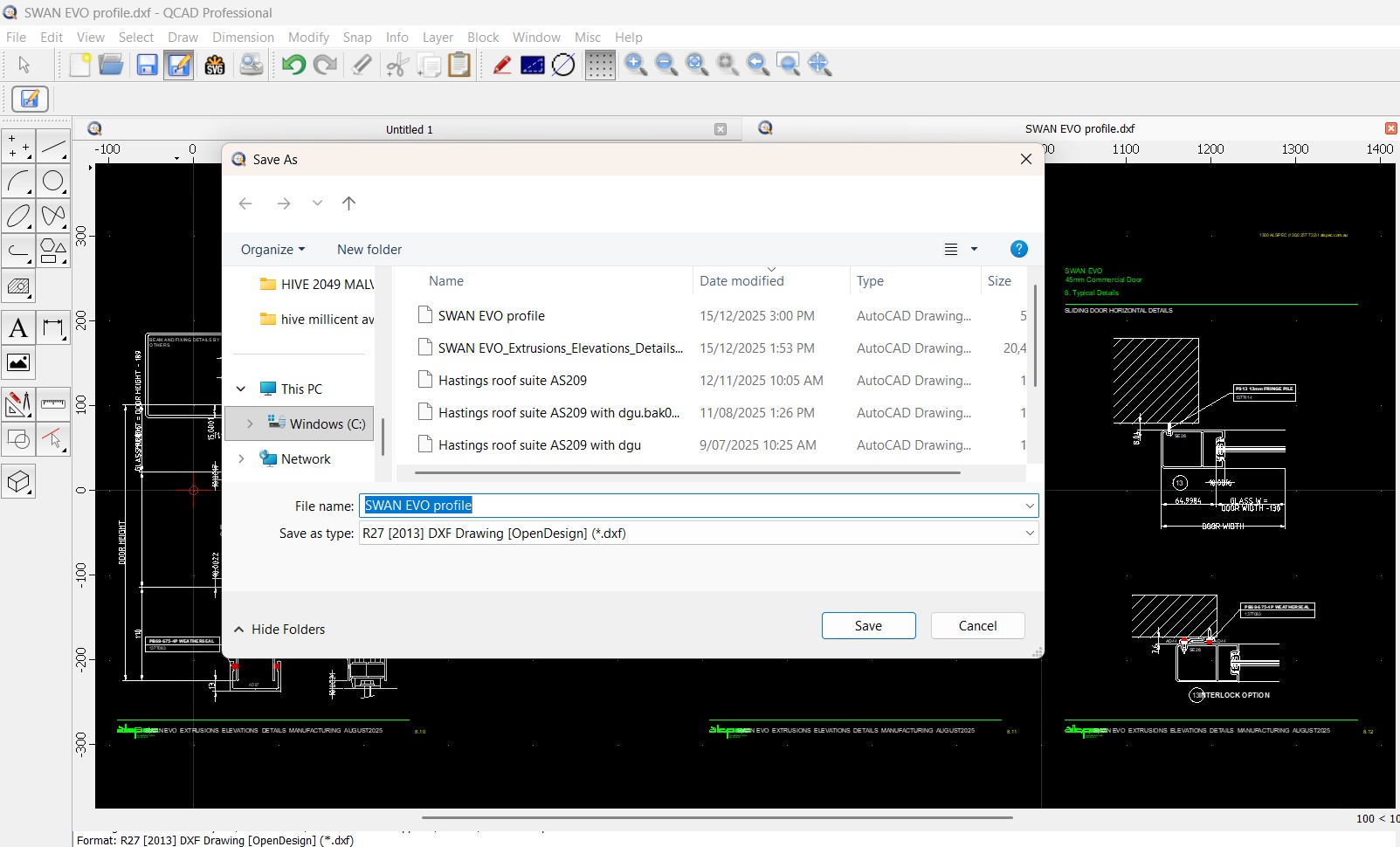
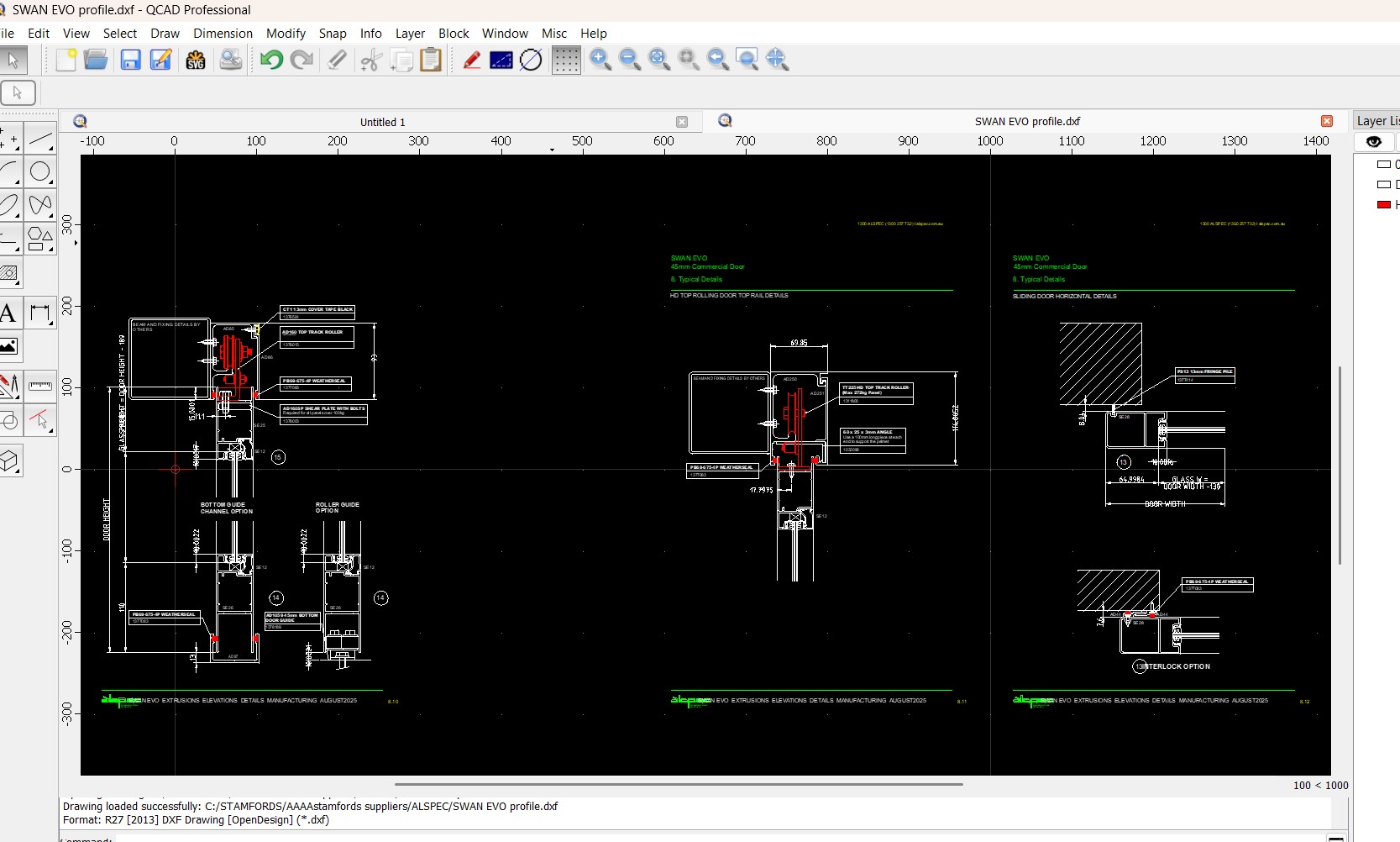
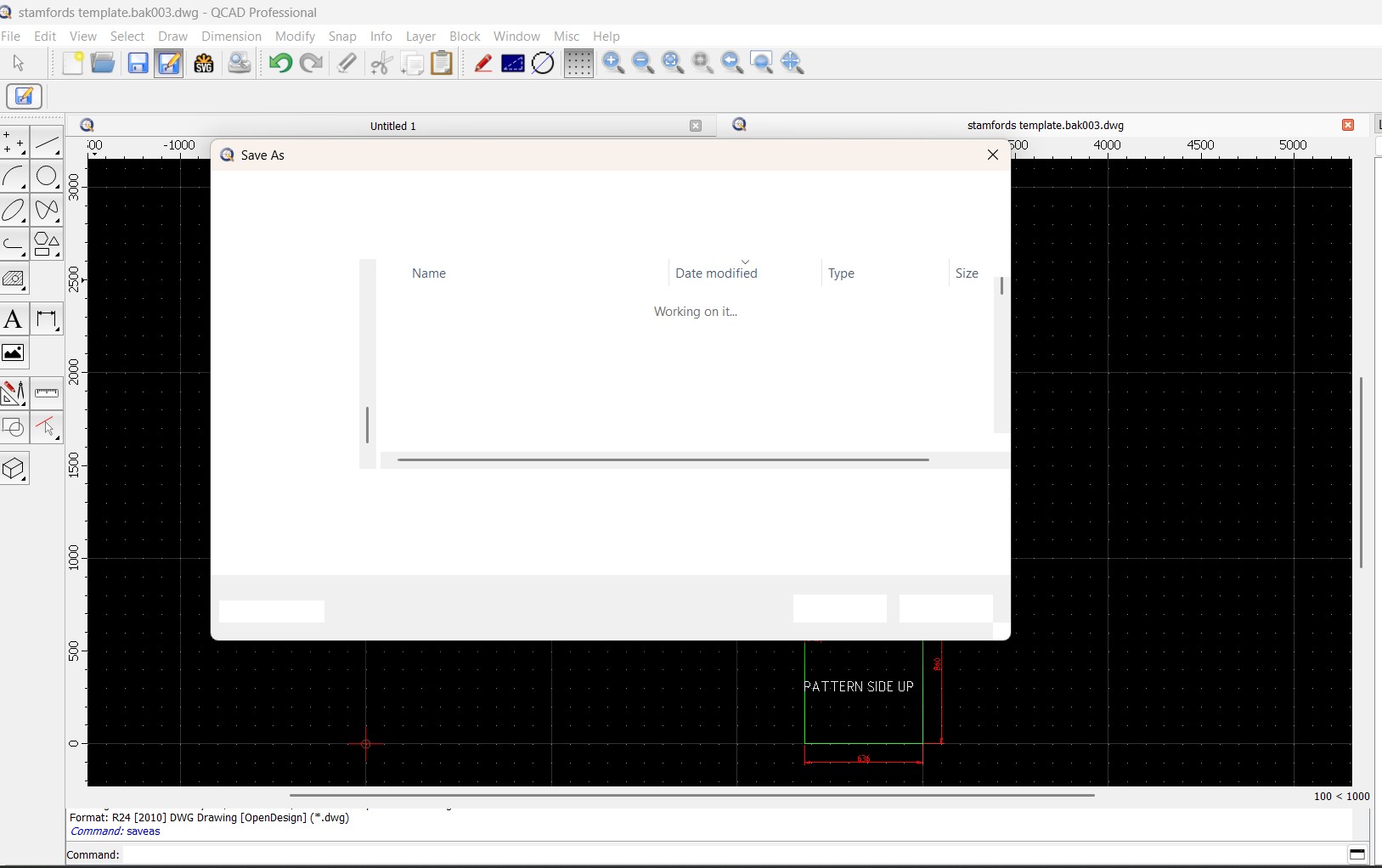
I HAVE ATTACHED SOME SCREEN SHOTS OF WHAT HAPPENS AND THE FILES TESTED ON
stamfords template 2801.dxf (31.7 KB)
SWAN EVO profile.dxf (558 KB)
Hi, and welcome to the QCAD forum.
More a topic for the QCAD Troubleshooting and Problems forum. 
All in upper case is considered as shouting online.
- “It is not proper netiquette to TYPE IN ALL CAPS!”
Your drawings and files look sane.
The ‘Save As’ dialog shows us that you are saving to the ‘Windows’ folder on drive C:
Isn’t that a folder inside the protected area guarded by the Windows UAC?
You will need Admin rights to write there.
It is already a better idea to store user data files in newly created user folders.
Not advisable but you could attempt to start QCAD with Admin rights.
Regards,
CVH
Sorry about the Caps unintentional
Ran Qcad as administrator but no difference.
It crashes on file open as well as file save
any other ideas to get around this problem
Perhaps it is an issue with the latest release.
So far this is the first report of its kind.
It is known that resetting your config file can solve weird problems.
In the latest edition that can be done from within the application, under the Misc menu.
Otherwise see the tutorial: Resetting the QCAD Configuration
You might also have a look at:
Application preferences .. File .. Open/Save .. Use system file Dialog
If all fails then perhaps a clean install may help.
The config file is not affected by this, remove it manually.
Re-download the installation package just to be sure.
In any case, I would not store my drawing files in the system folders.
Regards,
CVH
This issue occurred on my previous install which i have been running for 4 years no problem.
I uninstalled that and reinstalled the new version of the app I purchased.
Have reset config within App but no change still crash
I have also check my virus controller and Qcad is a trusted App
Application preferences .. File .. Open/Save .. Use system file Dialog
this was the setting already
I back my files up to cloud
If both the older suddenly and then the newer release show the same problem …
… I suspect that it has to do with the location of the files.
What changed just before the older install started to fail?
You can attempt to create a dummy drawing and save that to a ‘normal’ and local user folder.
Then you might do the same and save it in the cloud.
Last problem would then be the latest backup copy in the cloud.
But I think that this doesn’t concerns QCAD, it is probably more system related.
Regards,
CVH
Thanks for your help.
I have located the problem within the system to a windows update issue which clashed with Qcad and have now restored to a date prior to the crash and Qcad resumed working.
Unluckily i have purchased a new copy of Qcad Pro that wasn’t required.
Do you know what date you restored to? My program is also crashing on save now and I’ve done the reset, and uninstall and re-install process mentioned in the thread. Thanks in advance!
We are experiencing the same issue on two of our laptops: QCAD shuts down on save.
Asus Laptops with Ryzen processors, Windows 11 - most recent update.
HOW DOES REPORT THIS AS A BUG? URGENT!
What (if any) virus scanner do you have installed (e.g. Avast, Norton, Bitdefender, MacAffee, …)?
We only have Windows security on our laptops. No third party anti-virus or anything like that.
Thanks. Are you saving to a cloud service or to a local disk?
Local server on a 1 gigabit line. Not cloud based. Not on laptop’s HD.
Can you try to save the file on the local HD instead?
This might be related to Windows update KB5071142:
→ Known issues in this update
If you do have OneDrive or other cloud drives on these machines, try disabling them temporarily to see is that solves the issue.
Also: please indicate if the crash occurs on Save (no dialog) or on “Save As” when a file dialog pops up. This is a major difference as the file dialog might be the problem, not the actual saving.
Thanks for looking into this Andrew.
The issue persists whether the file is on the desktop or local server.
We don’t use OneDrive (uninstalled it completely) or any other cloud based system.
QCAD shuts down anytime the target window opens ie. when we press “Save As” or “Open file” and when we press “Save” in an unsaved file.
When we open a file that was previously saved, make some changes and press “Save”, it doesn’t crash.
I hope this makes sense.
This is definitely something interfering with the system file dialog, not with the saving.
Please switch to the QCAD file dialog as suggested further up in this thread by unchecking:
Edit > Application Preferences > File > Open/Save > Use system file dialog
We’ve unchecked the “Use systems file dialogue”.
The pop up window looks different but QCAD still crashes when one presses “Open file” or Save As".
OK, that is odd. Unfortunately, this is pretty much the end of options. Something unknown has changed on your system that interferes with the file dialog of QCAD.
Perhaps, you can temporarily unmount your network shares just to see if that has an effect. I understand that this would not be a permanent solution.
Just to double-check: you are using the latest version of QCAD (3.32), right?
Hmmm. That’s no good we need to use QCAD - it’s part of our production process lol. It’s strange that it’s happened on two of our laptops within days of each other.
We are on 3.29.4.0 (3.29.4)
It seems at least two other people in this thread have reported the same issue. I have no issue purchasing a new license if it helps but one of the earlier commenters said that it made no difference. Not sure what to do now.