Actually you are able to drag multiple objects, even without overlapping … 
I agree. But, depending on where you click the selection the reference will jump to the closest “basic reference” like end, center etc etc..
It’s a different strategy. One arrow key stroke moves the selection a certain amount of units. How many units are used can be controlled by you within the Application Preferences.
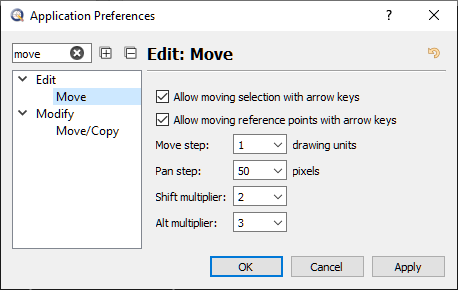
Now you lost me! How will you simplify or improve this simple setup …

… or could it be that you never tried the “Non dialog” tool option? e_surprised
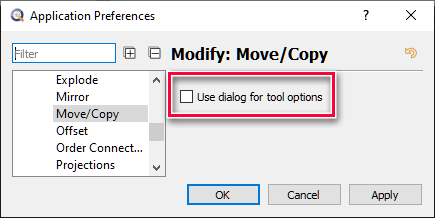
… I need a coffee!